
Most WordPress sites are missing alt text on the majority of their images. It’s one of the most common oversights in image SEO — and one of the easiest to fix with the right plugin.
This post covers the four best WordPress alt text plugins in 2026: what each one does well, where it falls short, and which type of site it suits best. If you want the short answer, Image Alt Text Pro is the most complete solution for WordPress – but the right choice depends on your workflow and budget.
Why alt text still matters in 2026
Alt text tells search engines what an image shows. Google uses it to index images for image search, understand page context, and evaluate content quality. It also enables screen readers to describe images to visually impaired users – making it a legal requirement under WCAG 2.1 and ADA guidelines.
The problem is scale. A typical WordPress site has hundreds of images, and writing good alt text manually for every one is time-consuming. That’s where plugins come in.
For a deeper look at what makes alt text effective, see what alt text is and why it matters.
Disclosure: Image Alt Text Pro is our product. We’ve included it in this comparison because it’s genuinely the most capable WordPress-specific alt text plugin available – but you should weigh that context accordingly.
Quick comparison
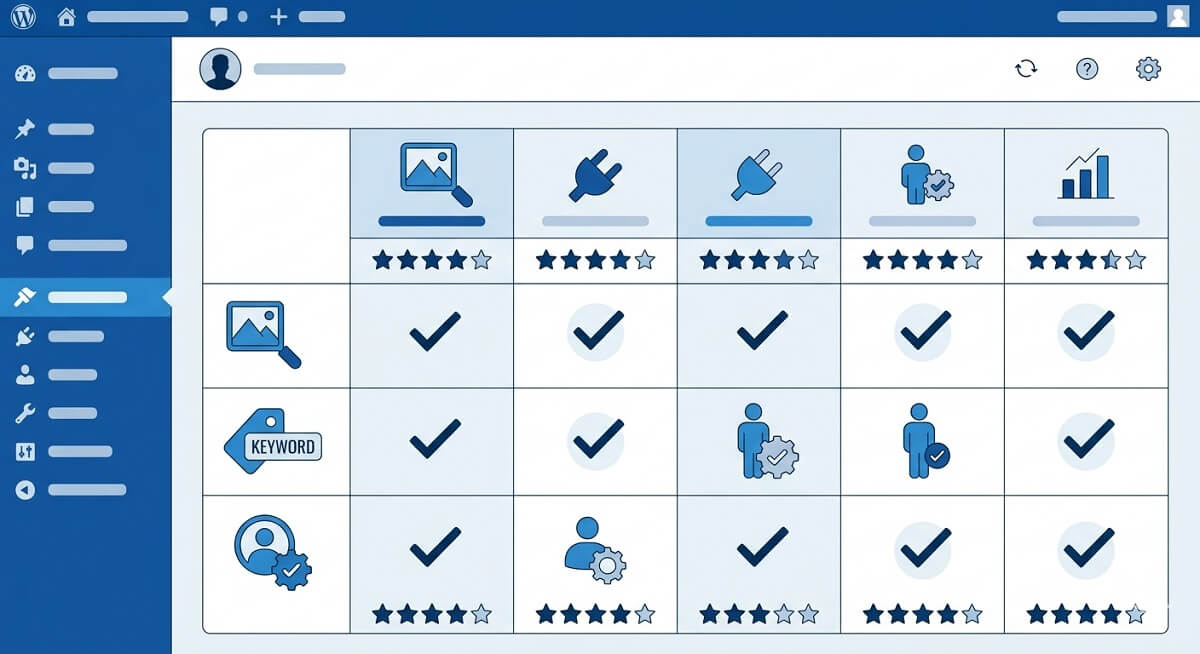
| Plugin | AI Generation | Bulk Processing | SEO Scoring | WooCommerce | Free Version |
|---|---|---|---|---|---|
| Image Alt Text Pro | ✅ (4 providers) | ✅ | ✅ | ✅ | ✅ |
| AltText.ai | ✅ | ✅ | ✅ | ✅ | Limited (25 images) |
| AIOSEO | ❌ (audit only) | ❌ | ✅ | Partial | ✅ |
| Yoast SEO | ❌ (audit only) | ❌ | ✅ | Partial | ✅ |
1. Image Alt Text Pro – best overall for WordPress
imagealttext.in | Free + Paid from $14.99/year
Image Alt Text Pro is the only WordPress plugin built specifically around alt text – not image compression, not general SEO. That focus shows in the feature set.
What it does:
- Generates alt text using AI – choose from OpenAI (GPT-4), Google Gemini, Claude, or HuggingFace
- Processes your entire media library in bulk with one click
- Scores each alt text for SEO quality so you can see which images still need work
- Auto-generates alt text on upload so new images are always covered
- Full WooCommerce support – product images, gallery images, variation images
- Generates alt text in 33 languages including Spanish, French, German, Arabic, Hindi, Japanese, Chinese, Korean, and more
What makes it different:
Most alt text plugins either generate from the image filename (no AI) or use a single AI provider. Image Alt Text Pro lets you choose your AI provider and switch between them – useful if you hit API limits or want different output styles. The SEO scoring feature is unique: it flags thin alt text, missing keywords, and overly long descriptions before they become a problem.
The biggest cost advantage: Image Alt Text Pro uses your own AI API key, so there is no per-image charge. Google Gemini’s free tier alone covers 1,500 images per day – making it far more economical than credits-based alternatives for large media libraries.
The free version on WordPress.org covers manual generation for individual images. The Pro plans (Starter $14.99/yr for 1 site, Studio $29.99/yr for 5 sites, Agency $49.99/yr for 15 sites) unlock bulk processing, auto-on-upload, and SEO scoring.
Best for: Any WordPress site that takes image SEO seriously. Especially valuable for WooCommerce stores and sites with large media libraries.
2. AltText.ai – best for multi-platform teams
alttext.ai | Free trial (25 images) + Paid from $49/year
AltText.ai is a dedicated alt text platform with 22+ integrations across WordPress, WooCommerce, Shopify, BigCommerce, Magento, and more. If you manage websites across multiple platforms, it’s the most flexible option available.
What it does:
- AI-powered alt text generation in 130+ languages
- Bulk processing across your entire media library
- WordPress plugin available on WordPress.org (4.8/5 rating)
- Native WooCommerce integration with product attribute awareness
- AI Visibility Scoring — measures how well your images appear in AI-powered search engines like ChatGPT and Perplexity
- Quality checks for missing, duplicate, or vague alt text
What makes it different:
The AI Visibility Scoring feature is genuinely unique – it evaluates your images not just for traditional search but for AI-powered search engines, which is increasingly relevant as tools like ChatGPT Browse and Perplexity gain traction. The 130+ language support is also well ahead of most competitors.
Pricing:
Credits-based. Bronze plan starts at $49/year for 1,200 image credits (~4¢ per image). Costs increase significantly at scale – 6,000 credits/year is $189, 24,000 credits/year is $489.
Limitation to note: Credits-based pricing means costs scale with your image volume. For large WordPress sites or WooCommerce stores with thousands of images, Image Alt Text Pro’s flat annual fee with your own API key is significantly more cost-effective.
Best for: Teams managing websites across multiple CMS platforms, or sites that need alt text in languages beyond the 33 Image Alt Text Pro supports.
3. AIOSEO – best for identifying missing alt text
aioseo.com | Free + Paid
All in One SEO is a full SEO suite, not an alt text plugin. But it includes image SEO auditing as part of its on-page analysis – flagging images that are missing alt text and giving you a TruSEO score that accounts for image optimization.
What it does well:
- Identifies missing alt text across your content
- Integrates image SEO into overall page SEO scoring
- Good for teams already using AIOSEO for everything else
Limitations:
- Does not generate alt text – only audits
- No bulk generation or AI
- You still have to write the alt text yourself
Best for: Sites that already use AIOSEO and want a unified dashboard for tracking image SEO alongside everything else.
4. Yoast SEO – best for SEO auditing workflows
yoast.com | Free + Paid
Like AIOSEO, Yoast includes image alt text checks as part of its content analysis. It will tell you when a post’s primary image is missing alt text and whether the alt text includes your focus keyword.
What it does well:
- Clear warnings when alt text is missing or keyword is absent
- Widely understood – most WordPress users already have it installed
- Good integration with the block editor
Limitations:
- No generation – audit only
- Checks are per-post, not site-wide
- No bulk tools
Best for: Sites already running Yoast that want basic alt text reminders as part of their editorial workflow.
Free vs premium: which is right for you?
Free plugins (Yoast, AIOSEO) work well for small sites with few images, or for teams that want to identify problems rather than fix them at scale.
Premium plugins become worth the cost when:
- You have more than 100 images to process
- You’re running a WooCommerce store with product images
- You want AI-generated descriptions rather than manual writing
- You need SEO quality control, not just coverage
The case study on this site documents a 38% organic traffic increase after fixing alt text across a media library – the kind of result that makes a $14.99/year investment easy to justify.
Common alt text mistakes to avoid
Whichever plugin you choose, the quality of your alt text matters. The most common mistakes include keyword stuffing, using the same alt text on multiple images, and leaving decorative images without an empty alt="" attribute.
See the full breakdown in top 10 alt text mistakes WordPress users make.
Which plugin should you choose?
- WordPress site with large media library or WooCommerce store → Image Alt Text Pro
- Managing sites across multiple CMS platforms, or need more than 33 languages → AltText.ai
- Already using AIOSEO or Yoast, just want audit reminders → stick with what you have