
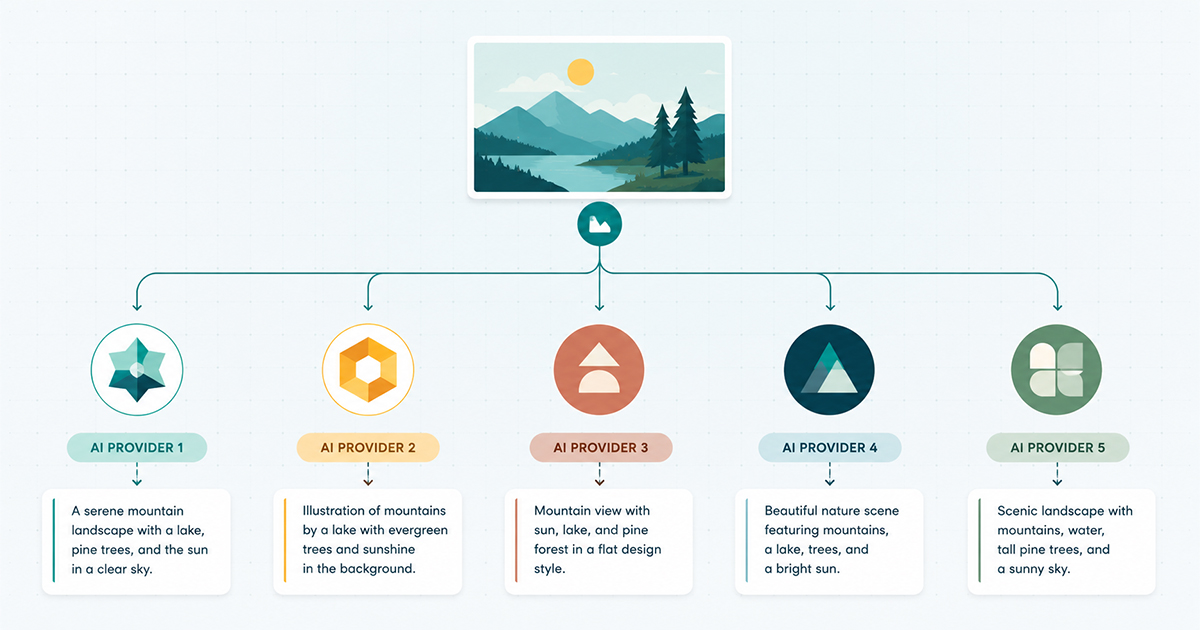
If you have ever opened the AI settings in an alt text plugin and stared at a dropdown full of provider names, you already know the problem. OpenAI, Gemini, Claude, Azure, Hugging Face. They all promise to describe your images. They do not all behave the same way once you actually put them to work.
Image Alt Text Pro supports all five, which puts us in an unusual position: we get to watch how each one actually performs across thousands of real WordPress media libraries, not just in a lab test. This post is the honest version of that experience, including two things that do not usually make it into comparison posts, a provider that quietly retired the model everyone was using, and a provider that sometimes refuses to write the alt text you asked for.
The five providers in a nutshell
- OpenAI (GPT-4o family) — the most flexible, with a real choice of model tiers depending on how much accuracy you need per image.
- Google Gemini — fast and generously priced, with a free tier that makes it the default choice for a lot of sites, but its model lineup changes faster than any other provider.
- Anthropic Claude (Haiku) — careful and literal, excellent for accuracy, but it has opinions about what belongs in alt text.
- Azure Computer Vision — not a chat-style AI at all, a dedicated image analysis service from Microsoft, useful in specific situations.
- Hugging Face — open-source models you choose yourself, the option for people who want full control and do not mind a bit of setup.
Here is what each one is actually like to depend on.
OpenAI: the flexible default
OpenAI’s GPT-4o family is what most people reach for first, and there is a good reason. It reads an image and writes natural, accurate alt text without much coaxing, and it takes context (a filename, a post title) and works it in sensibly. Image Alt Text Pro lets you choose between gpt-4o , gpt-4o-mini , gpt-4-turbo , gpt-4.1 , and gpt-4.1-mini , so you can trade a little accuracy for a lot of cost savings on a large library, or use the full model when a set of images genuinely needs closer attention.
If you want SEO-leaning alt text, context strength set to SEO works comfortably on OpenAI. It will weave in a location, product name, or keyword you supply without pushback.
Good for: general-purpose libraries where you want one dependable provider and the flexibility to tune cost against quality per model tier.
Google Gemini: fast, cheap, and worth watching closely
Gemini is often the most attractive option on paper. It is quick, the free tier covers a real amount of usage, and quality is close to OpenAI for most everyday images. It is also the provider we have had to pay the most attention to, because Google retires and renames Gemini models faster than the others.
In mid-2026 we had a direct lesson in this. Google closed its gemini-2.5 model line to new API keys, and shortly after started returning “this model is no longer available” errors on every request, even for the free tier. Any plugin, ours included, that had a specific Gemini model hardcoded into its defaults broke for new users overnight, while existing users on 2.5 kept working right up until the shutdown date. We fixed it by changing the default to gemini-3.5-flash , adding a gemini-3.1-flash-lite budget option, and adding a Fetch models button that pulls the current list straight from Google instead of relying on a list we wrote once and never touched again.
The lesson generalizes past our plugin: if you are choosing Gemini, do not assume whatever model is selected today will still exist next year. Whatever tool you use, look for one that can refresh its model list rather than one that hardcodes a name and hopes for the best.
Good for: high-volume libraries where speed and the free-tier cost make the biggest difference, as long as your tool keeps its model list current.
Anthropic Claude: the accurate, cautious one
Claude Haiku is genuinely good at describing what it sees, and it tends to be conservative in a way that suits accessibility-first sites. It does not invent detail. It also, occasionally, refuses to do exactly what you asked.
We saw this with a customer using Claude on context strength set to SEO, the mode that pushes supplied keywords into alt text even when the AI cannot visually confirm them. Claude’s own safety behavior treats that as bordering on keyword stuffing, and it pushed back rather than producing what SEO mode asked for. The fix was not to abandon Claude. It was to switch that customer to Strict mode paired with a clear, specific prompt telling the AI to use the supplied location. That combination got the keyword in reliably, without tripping Claude’s guardrail, and the plugin then did exactly what they needed.
So the practical rule with Claude: keep your context strength on Strict or Balanced, and if a term absolutely needs to appear, write it into your prompt directly rather than leaning on an aggressive SEO instruction. Claude rewards a well-written prompt more than it rewards being told to push keywords.
Good for: accessibility-first sites, editorial and news imagery, anywhere literal accuracy matters more than working a keyword in at any cost.
Azure Computer Vision: a different kind of tool
Azure is not a conversational AI in the way the other four are. It is Microsoft’s dedicated computer vision service, built to analyze and caption images directly, and it needs its own endpoint and API key rather than a chat-style API call. That makes it less flexible for nuanced, context-aware alt text, but it is a solid, fast option if your organization already runs on Azure infrastructure, has data residency requirements that point you toward Microsoft’s cloud, or simply wants a captioning service rather than a full language model in the loop.
Good for: organizations already standardized on Microsoft Azure, or anyone who wants straightforward image captioning without the personality quirks of a chat-based model.
Hugging Face: open models, your choice
Hugging Face is the option for people who want to pick their own model rather than accept whatever a single vendor offers. You bring your own API key and choose the open-source vision model you want to run. Quality varies a lot depending on which model you select, some rival the commercial providers, others are noticeably behind, so this route rewards a bit of research and experimentation. It is also the natural choice if you have specific privacy or self-hosting preferences that the closed providers do not accommodate.
Good for: technically comfortable site owners who want control over exactly which model processes their images, or who are already invested in the Hugging Face ecosystem.
Side by side
| Provider | Best trait | Watch out for | Best fit |
| OpenAI | Reliable, flexible tiers | Cost adds up on the largest models | General-purpose libraries |
| Gemini | Fast, generous free tier | Model lineup changes quickly | High-volume, budgetconscious sites |
| Claude | Careful, accurate, literal | Pushes back on aggressive SEO mode | Accessibility-first, editorial sites |
| Azure | Enterprise-grade captioning | Less nuanced than a chat model | Microsoft-standardized organizations |
| Hugging Face | Full model choice | Quality depends entirely on your pick | Technical users who want control |
So, which is the best AI model for alt text in your case?
- You want the safest general-purpose default: OpenAI, gpt-4o or gpt-4o-mini depending on library size.
- You are processing a large library and cost matters: Gemini, with gemini-3.5-flash or the lighter gemini-3.1-flash-lite , as long as your plugin can keep its model list current.
- Accessibility accuracy is non-negotiable: Claude, on Strict, with a clear prompt for anything you need included by name.
- You are already on Microsoft’s cloud: Azure Computer Vision. You want full control over the model: Hugging Face.
None of these is universally “the best.” The best model is the one whose weaknesses do not land on the thing you care about most, whether that is cost, literal accuracy, or how firmly it takes a keyword instruction.